Shoppers stop guessing. They see it.
Add an instant virtual fitting room to your product pages in 2 minutes. Shoppers visualize clothes on their own body, buy with confidence, and return 25% less. Works on any e-commerce store.
A product photo becomes a try-on
The shopper adds a photo and SeeOnMe shows the garment worn within seconds — right on your product page.
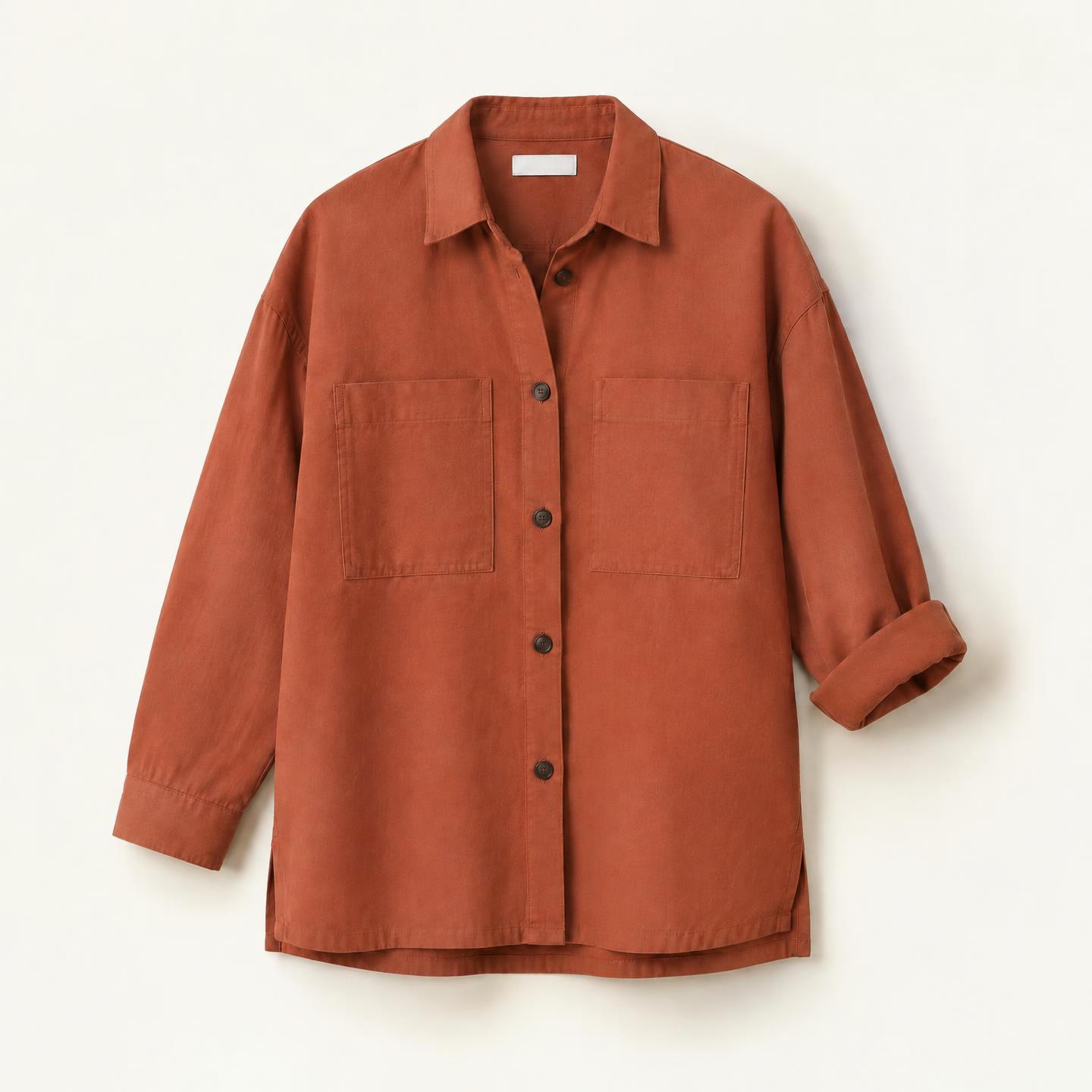
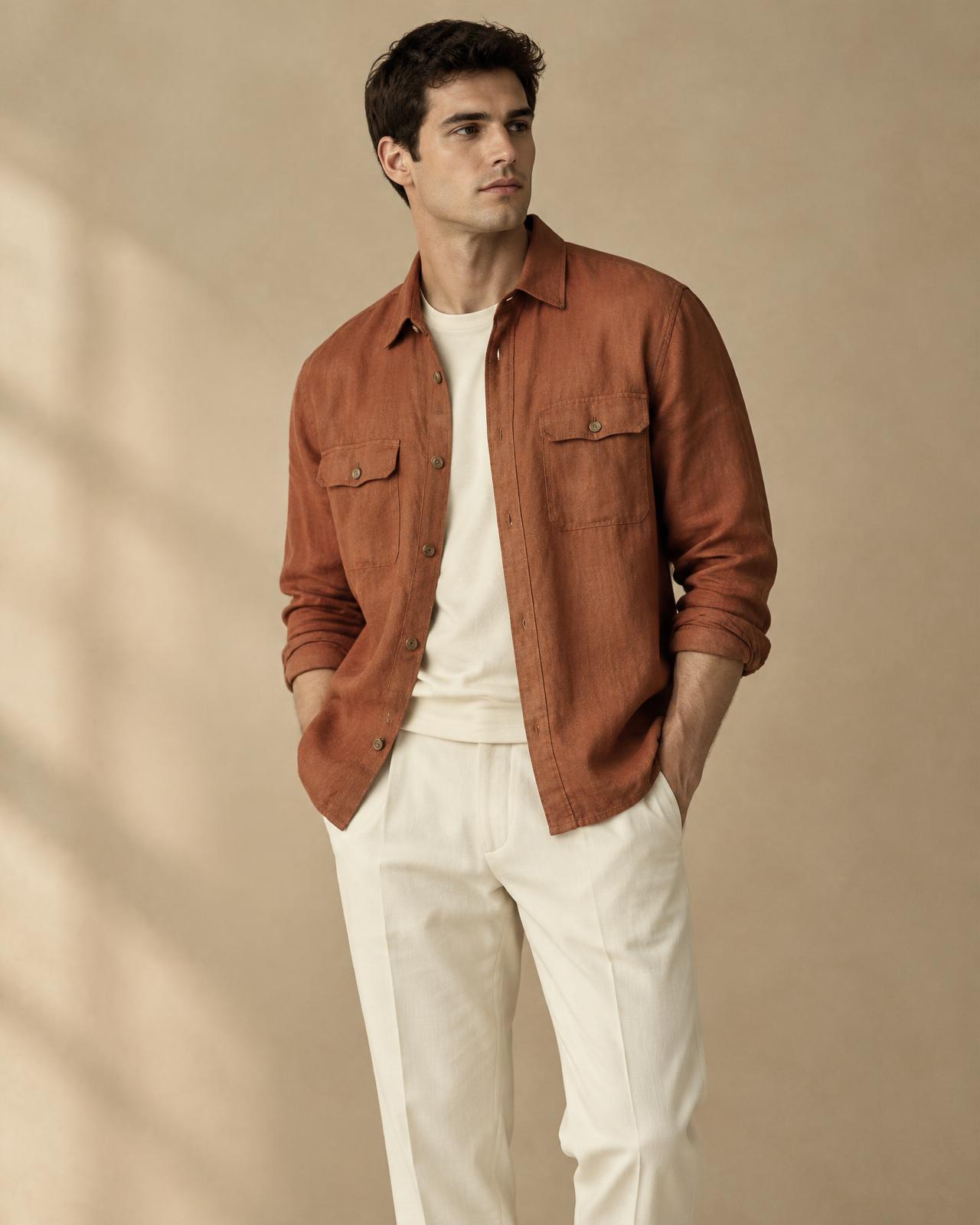
Pay per try-on
1 coin = 1 successful try-on. No subscription, no commitment. 2 free coins when you sign up.
To get started
Starter Pack
5$
50 coins
- 50 try-ons · 1 coin = 1 try
- 1-line code widget
- Works with any store
- Built-in anti-abuse
No commitment · Top up anytime
Pack
Popular Pack
9$
100 coins
- 100 try-ons · 1 coin = 1 try
- 1-line code widget
- Works with any store
- Lead capture + analytics
- Priority support
No commitment · Top up anytime
Large catalogs
Pro Pack
25$
300 coins
- 300 try-ons · 1 coin = 1 try
- 1-line code widget
- Works with any store
- Multi-store
- Dedicated support
No commitment · Top up anytime
*Indicative figures.
What store owners tell us

Sarah · Atelier Nord

Youssef · Urban Wear

Camille · Maison Lune

Omar · Kaftan House

Emma · Stitch & Co

Lina · Bloom Studio
Three steps, zero friction
Paste the script
One line in your theme. The “Try it on me” button appears on your product pages.
The shopper adds a photo
Selfie or full-body photo, from mobile or desktop.
See it worn
Realistic try-on preview, then “Add to cart” or share on social media.
What it changes for your store
More sales
Shoppers who see themselves wearing a product add it to cart far more often.
Fewer returns
Fewer bad surprises on delivery, lower logistics costs.
2-minute setup
One line in your theme. The “Try it on me” button appears on your product pages.
See it in a real setting
A real product page with the widget installed.